3D printing guides - Setting up a LCD and SD card controller panel
Learn how to set up an LCD screen, click encoder input and SD card reader on your 3D printer!
0:46 Things you need
2:19 Connections
2:43 Firmware
3:49 Getting it right
Get a Full Graphic Smart Controller
Neither of these have color changing displays. That's an editing joke!
u8glib download /
Fix the encoder scrolling with:
#define ENCODER_PULSES_PER_STEP 4
#define ENCODER_STEPS_PER_MENU_ITEM 1
0:46 Things you need
2:19 Connections
2:43 Firmware
3:49 Getting it right
Get a Full Graphic Smart Controller
Neither of these have color changing displays. That's an editing joke!
u8glib download /
Fix the encoder scrolling with:
#define ENCODER_PULSES_PER_STEP 4
#define ENCODER_STEPS_PER_MENU_ITEM 1
Rcreviews.lt is not the owner of this text/video/image/photo content, the real source of content is Youtube.com and user declared in this page publication as Youtube.com user,
if you have any question about video removal, what was shared by open community, please contact Youtube.com directly or report bad/not working video links directly to video owner on Youtube.com. Removed video from Youtube.com will also be removed from here.
Watch more videos
-
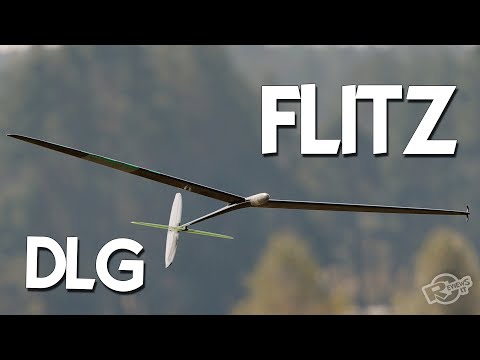 DLG - FLITZ - soaring joy!
The joy of DLG soaring! Pilot and Wing owner - Andrius Narbutas Bright LED: / - More products ... -
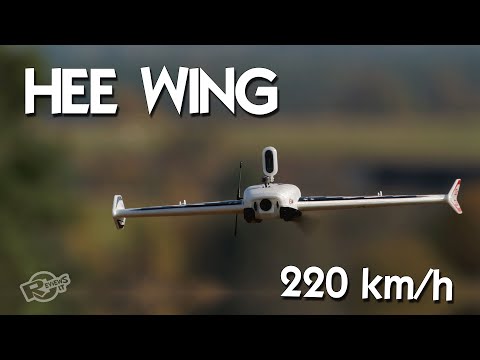 HEE Wing F-01 Ultra Delta Wing 690mm - upgraded Mini AR Wing? Diatone Reaper 690
Heee Wiiiinggggg - an 690mm triangle wing, with big battery bay, and up to 220 km/h speeds! Easy... -
 #DriftMolėtai "Street" drift race finals 2022
Happy drift day! Had a chance to be part of Moletai street drift race Finals! #DriftMolėtai grį...





Advertising